Configuration
Mother GUI is configured entirely through Custom Data. In practice, you will work in two places:
- The Mother GUI programmable block for named menus and the default menu
- Each display block for surface assignments and optional inline menus
Surface Assignments
Mother GUI scans the [surfaces] section on each supported display block. Each entry uses this format:
[surfaces]
<surfaceIndex>=<ViewName> [parameter]
Examples:
[general]
scale=1.15

[surfaces]
0=MainMenu
[general]
scale=1.05

[surfaces]
0=MainMenu
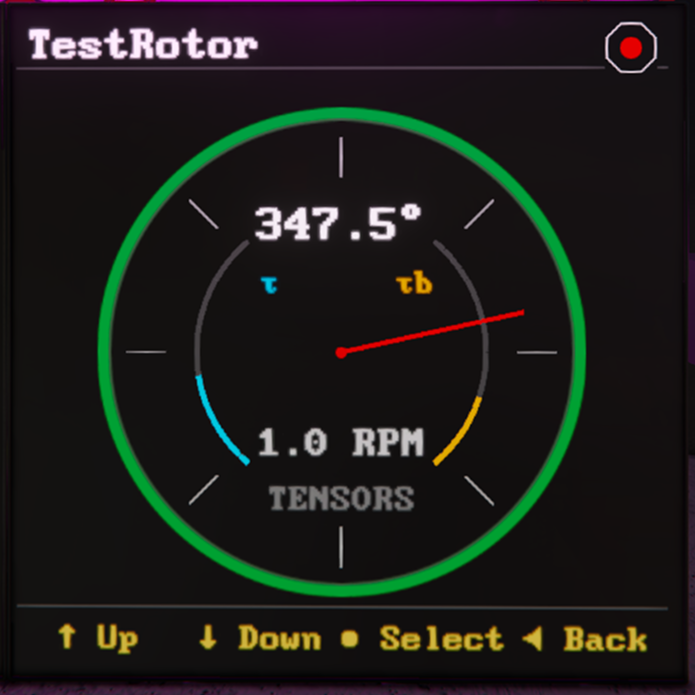
1=RotorView "Port Rotor"
Rules worth knowing:
- Surface indices are zero-based.
[0...1...2...3] - Parameters are optional.
- Block names with spaces should be wrapped in
""double quotes.
General Display Settings
Mother GUI currently reads two optional display-level settings from [general]:
[general]
scale=1.15
size=0
scaleadjusts the render scale for the display.sizecan be used when you need to override the default text size behavior on a screen.
In most cases, scale is the setting you will use first.
Named Menus
Named menus live on the Mother GUI programmable block. We can pass the default view for a surfaces in the [surfaces] sections of the custom data.
For a full walkthrough of menu structure, navigation behavior, and practical patterns, see MenuView.
[surfaces]
0=MainMenu

[menu:MainMenu]
Mechanical=
.Rotor=view/go self "RotorView" "Port Rotor"
.Piston=view/go self "PistonView" "Lift Piston"

Power=
.Reactors=block/on Main Reactors
.Batteries=battery/auto Main Batteries
Mother GUI resolves menus in this order:
- A display-specific named menu (ie.
RotorView) - An player defined menu
[menu:]
Inline Menus
If a display needs a one-off menu, define it directly on the block with the [menu] section in the custom data.
[surfaces]
0=MenuView

[menu]
Airlock=
.Open Outer Door=door/open "Outer Door"
.Close Outer Door=door/close "Outer Door"
.Depressurize=vent/depressurize Airlock Vent
Inline menus are useful for local control panels that should not reuse the global menu tree.
Nested Menu Syntax
Menus use dot prefixes to define depth. Every line still needs an = so the INI parser keeps the entry.
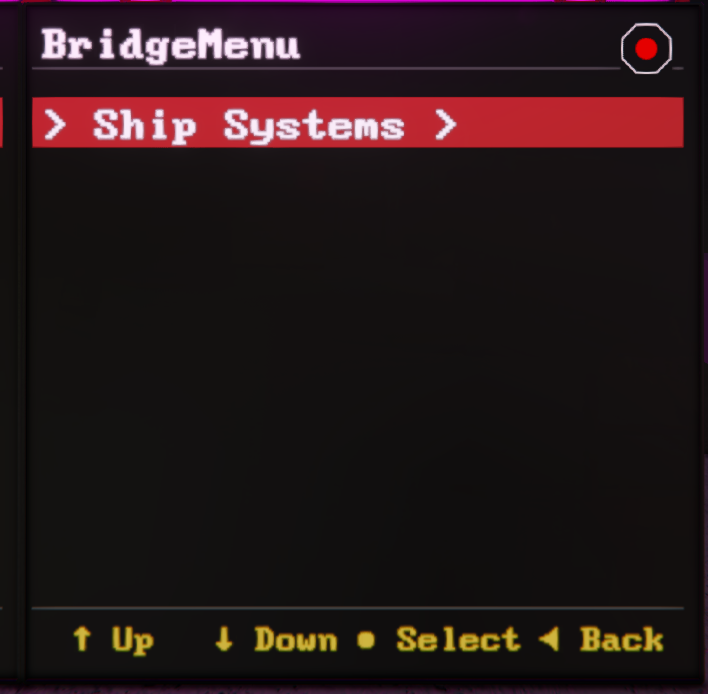
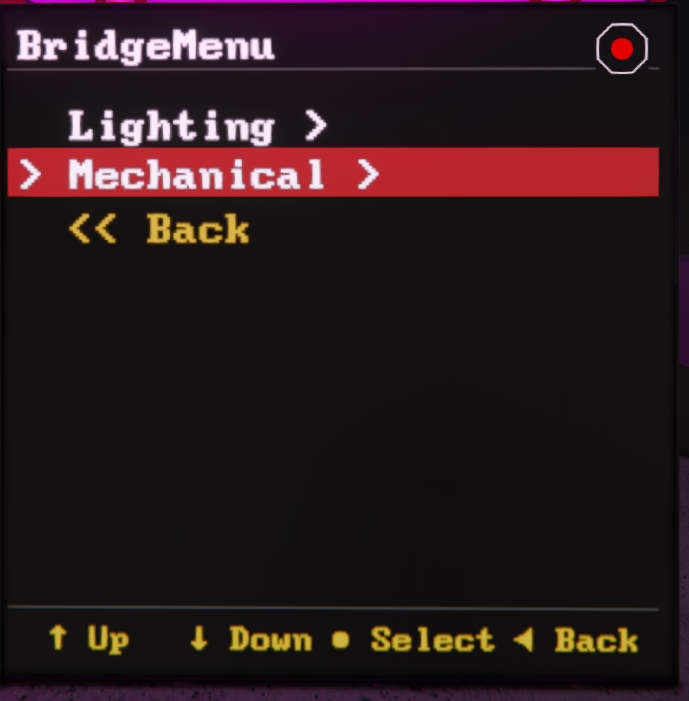
[menu:BridgeMenu]
; top level
Ship Systems=
; first level
.Lighting=
; second level
..Red Alert=light/color Warning Lights red
..Clear Alert=light/color Warning Lights whiteS
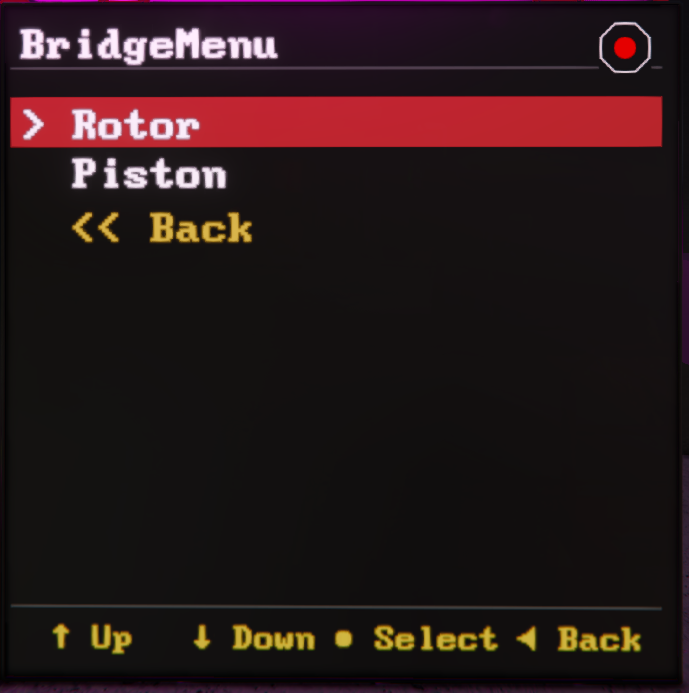
.Mechanical=
..Rotor=view/go self "RotorView" "Port Rotor"
..Piston=view/go self "PistonView" "Lift Piston"
This creates the following menu structure:
Ship Systems /
    |-- Lighting /
        | -- Red Alert
        | -- Clear Alert
    |-- Mechanical /
        | -- Rotor
        | -- Piston
 |  |
 |  |
If you need duplicate labels under the same section, prefix the key with an internal id and a colon. The id is hidden when rendered.
[menu]
Light 1=
.1:Red=light/color MenuLight1 red
.2:Green=light/color MenuLight1 green

Light 2=
.3:Red=light/color MenuLight2 red
.4:Green=light/color MenuLight2 green
Widescreen Behavior
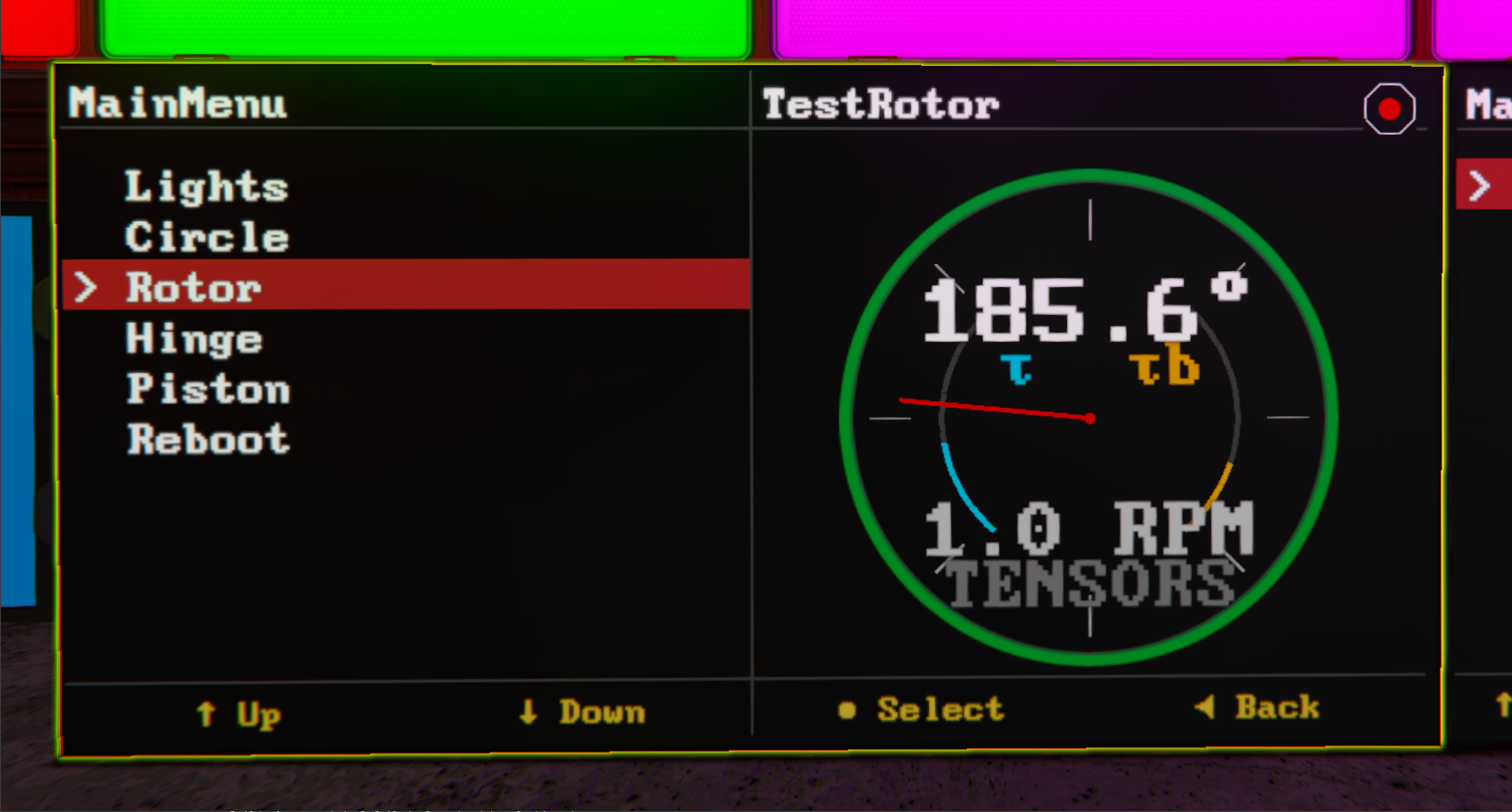
On widescreen displays, view/go opens a live view in a side panel while the current menu stays visible. On smaller screens, the selected view replaces the menu until you use view/back.
That makes widescreen LCDs a good fit for bridge consoles, while cockpit screens work well as compact detail displays.