
Views
Mother GUI currently ships with a focused set of views aimed at mechanical diagnostics and menu-driven ship control.
For the full menu system documentation, see MenuView.
RotorView
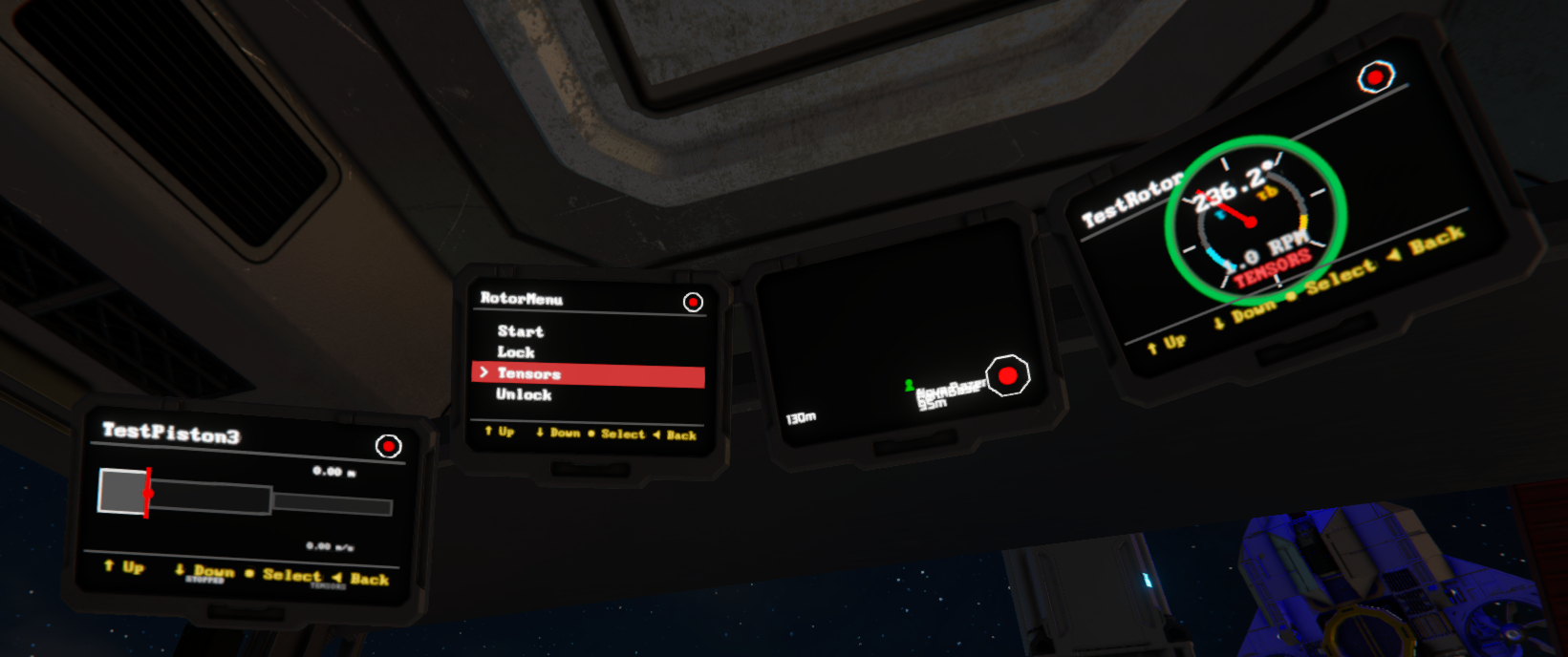
Shows a single rotor with a live dial, current angle, RPM, torque, braking torque, and lock-state ring.
view/go "Bridge LCD" "RotorView" "Port Rotor";
If no rotor name is provided, Mother GUI uses the first rotor it can resolve.
HingeView
Shows a single hinge with a live semi-circular angle dial and lock-state status.
view/go "Bridge LCD" "HingeView" "Main Hinge";
PistonView
Shows a piston with current extension, limits, velocity, and a live extension bar.
view/go "Bridge LCD" "PistonView" "Lift Piston";
DoorView
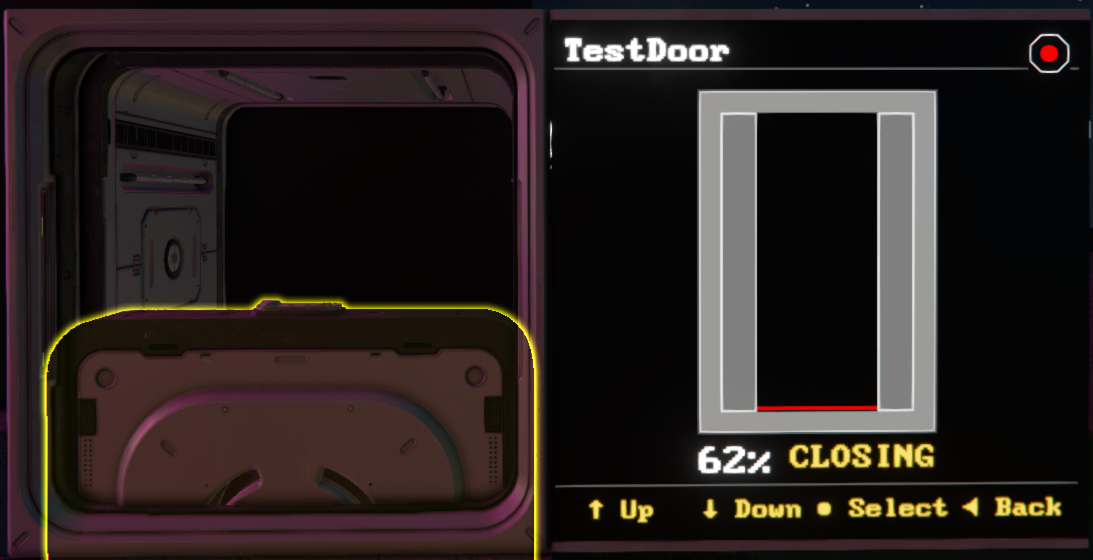
Shows a door with live open percentage and current state such as OPEN, OPENING, CLOSING, or CLOSED.
view/go "Bridge LCD" "DoorView" "Hangar Door";
View Parameters
Most block-specific views accept an optional block name parameter. If the name contains spaces, wrap it in quotes.
view/go "Bridge LCD" "RotorView" "Port Rotor";
view/go "Bridge LCD" "DoorView" "Main Hangar Door";
When no parameter is supplied, Mother GUI falls back to the first matching block of that type on the construct.